
A recruiting pipeline is the series of stages a candidate moves through from the moment they apply to the day they are hired. It gives your hiring a clear shape, so you always know who is where and what happens next.
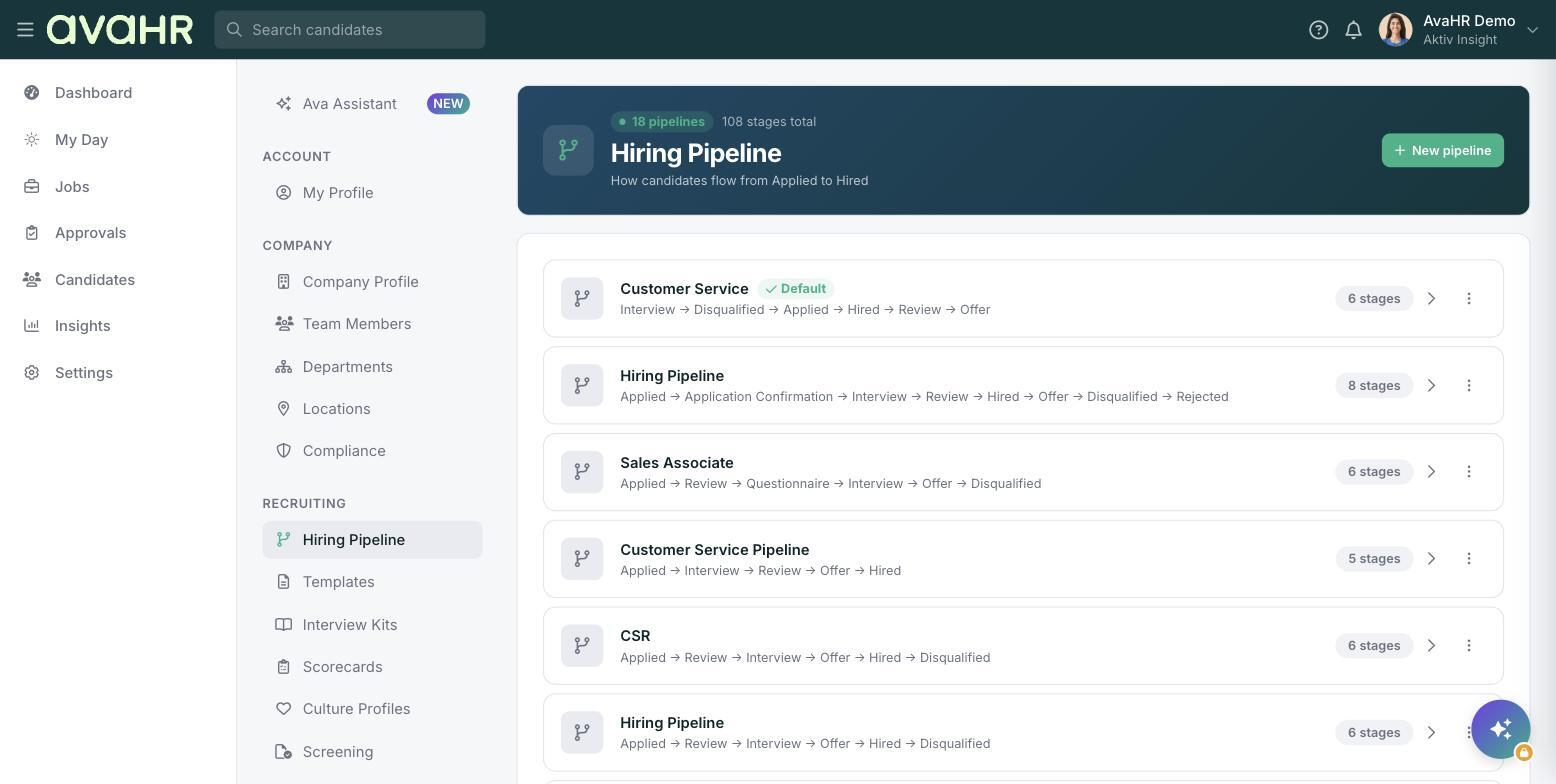
Every role can use its own pipeline. Some jobs need just a few steps, others need several rounds of review and interviews. A pipeline lets you sort candidates by stage, communicate with the right people at the right time, and keep your whole team on the same page.
How a pipeline is built
A pipeline is an ordered set of stages. A common one looks like this:
- Applied is where new candidates land.
- Review is where you screen who to move forward.
- Interview is where you meet your top candidates.
- Offer is where you extend an offer.
- Hired is where accepted candidates end up.
- Disqualified is where candidates who are not moving forward go.
You can rename, add, remove, and reorder these stages to match how your team actually hires.
Where to manage pipelines
Your pipelines live under Settings > Hiring Pipeline. There you can see each pipeline, spot which one is your Default, and open any of them to edit the stages.
What pipelines make possible
Because each stage is a defined step, you can attach automations to it. When a candidate enters a stage, AvaHR can send an email or text, send a questionnaire, or ask your team for a scorecard, without you doing it by hand.