
Verified First is our background-check partner. Once connected, you can run background checks on your candidates as part of your hiring flow.
Connect Verified First
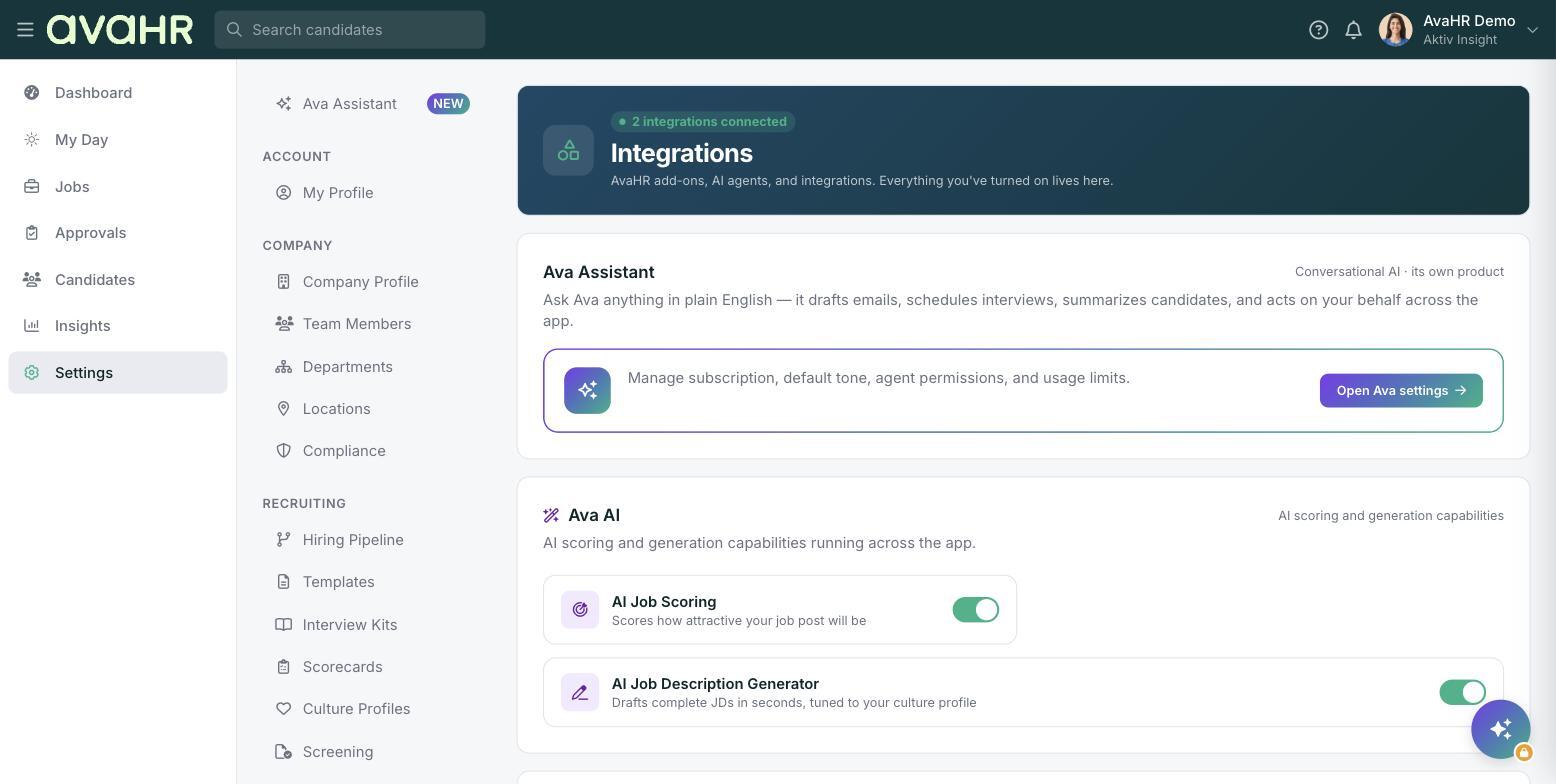
- Go to Settings > Integrations.
- Find Verified First in the list of integrations.
- Follow the prompts to connect and sign in to your Verified First account.
After it is connected, you can start a background check on a candidate and follow Verified First's steps to complete it. If you do not have a Verified First account yet, you can set one up during the connection process.