
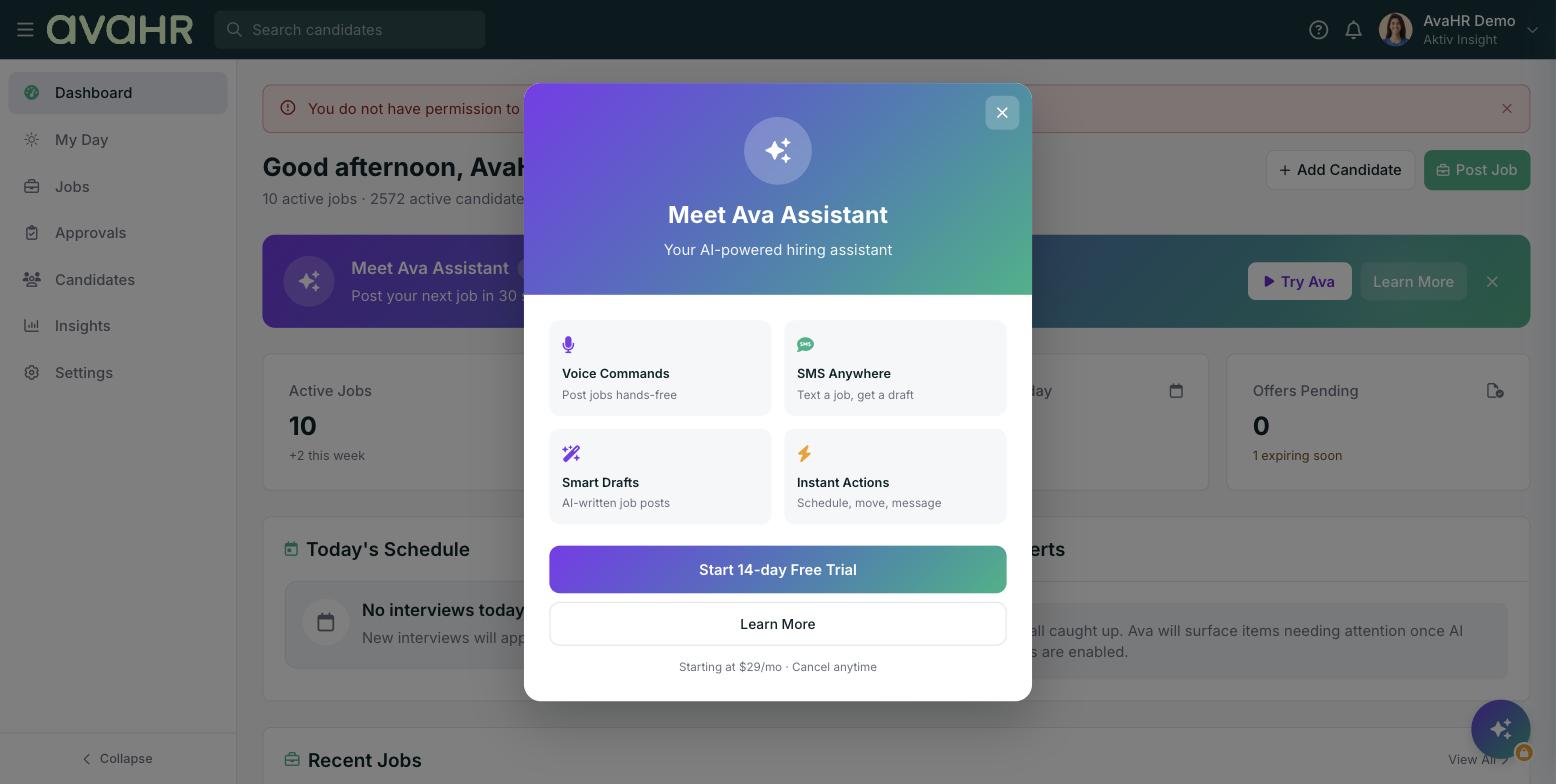
When inspiration strikes and you are away from your desk, you do not have to wait to post a role. With SMS enabled, you can text a short job description to your AvaHR number and Ava turns it into a draft job for you to review.
Before you start
This works when the SMS add-on is enabled for your account, and it is limited to verified team members. Each team member verifies their own mobile number first, so Ava knows the text is coming from someone on your team.
Create a job by text
- Make sure your mobile number is verified.
- Text a short description of the role to your AvaHR number.
- Ava creates a draft job from what you sent.
- Open AvaHR when you are ready to review the draft, fill in any remaining details, and post it.
Tip
Ava creates a draft, not a live posting, so you always get the final say. Include the essentials in your text, like the title, location, and pay, and Ava will use your account defaults for the rest.
Mini-FAQ
Why can't I text a job in? Check that the SMS add-on is enabled and that your mobile number is verified. Only verified team members can create jobs by text.