
Some of the best hourly candidates would rather text than fill out a form. With the SMS add-on, they can apply straight from their phone by texting a keyword, and you can manage the whole conversation from AvaHR.
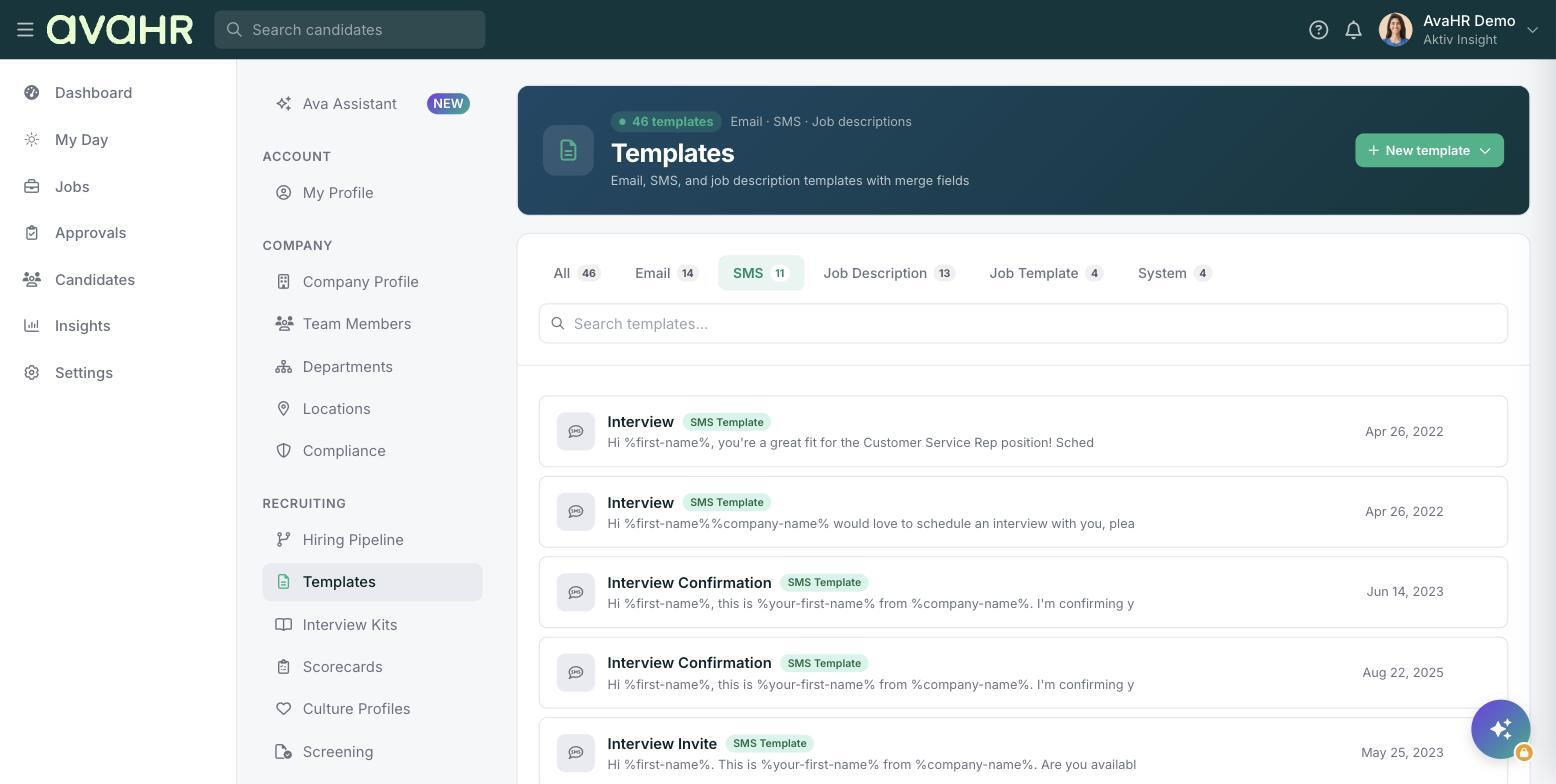
SMS is a paid add-on that comes with a dedicated number and two-way texting. Once it is enabled, you get a few tools for handling inbound texts responsibly.
How SMS to apply works
- A candidate texts your keyword to your AvaHR number.
- They answer a few short questions by text.
- They are created as a candidate in AvaHR with a blue Via SMS badge, so you can see at a glance that they applied by text.
Keyword auto-replies
You can set up automatic replies to keywords, so candidates get an immediate, helpful response when they text in, even if you are busy.
Quiet hours
Set quiet hours so texts are not sent overnight. This keeps your outreach respectful and avoids messaging people at odd times.
STOP opt-out and consent
Texting requires consent, so each recipient opts in before you message them. Every message includes a way to reply STOP to opt out, and AvaHR honors that automatically.
Tip
Pick a keyword that is short and easy to remember, then put it everywhere you already advertise the job, for example "Text JOBS to apply." The easier it is to type, the more applies you will get.
Mini-FAQ
How do I know someone applied by text? Their candidate row shows a blue Via SMS badge.
What happens if a candidate replies STOP? They are opted out of further texts. Consent is required to message people in the first place.