
Once you have made a hire, you do not want to retype their details into your payroll or onboarding system. If you use ADP or Gusto, AvaHR can send a hired candidate straight into onboarding from their profile.
Connect the integration first
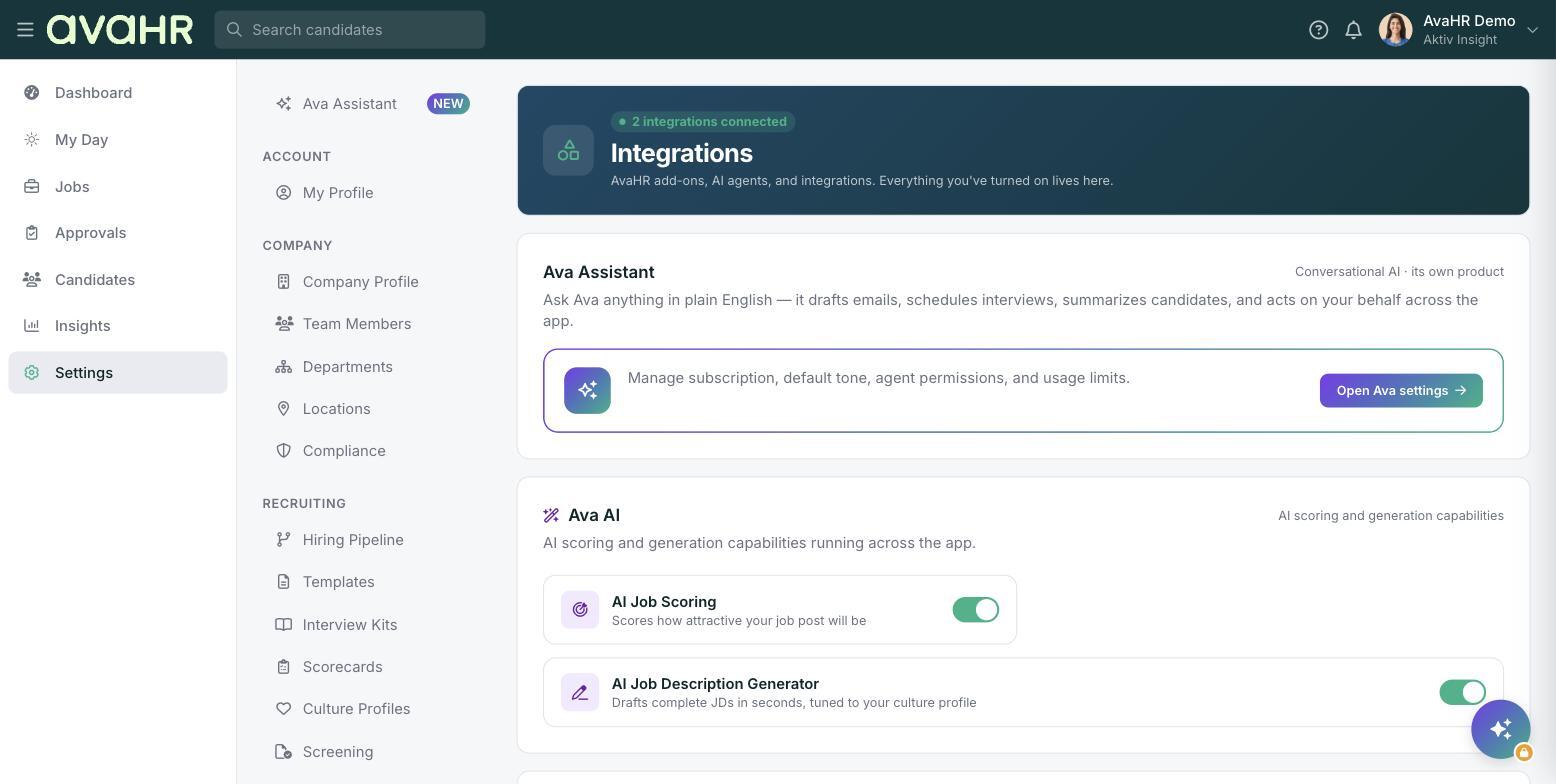
Before you can send anyone, connect ADP or Gusto under Settings > Integrations. The Send to ADP and Send to Gusto options only appear once the matching integration is connected.
Send a hired candidate to onboarding
- Move the candidate to Hired.
- Open the candidate's profile.
- Open the "..." menu.
- Choose Send to ADP or Send to Gusto to push them into onboarding.
Tip
If you do not see Send to ADP or Send to Gusto on the "..." menu, the integration is probably not connected yet. Head to Settings > Integrations to set it up.
Mini-FAQ
Do I have to move the candidate to Hired first? Yes. Send them to onboarding after they reach the Hired stage.
Where do I connect Gusto or ADP? Under Settings > Integrations.