
If you keep setting up the same candidate filters over and over, Saved Views can do that work for you. Set your filters once, save them, and come back to the exact same list any time.
What you can save
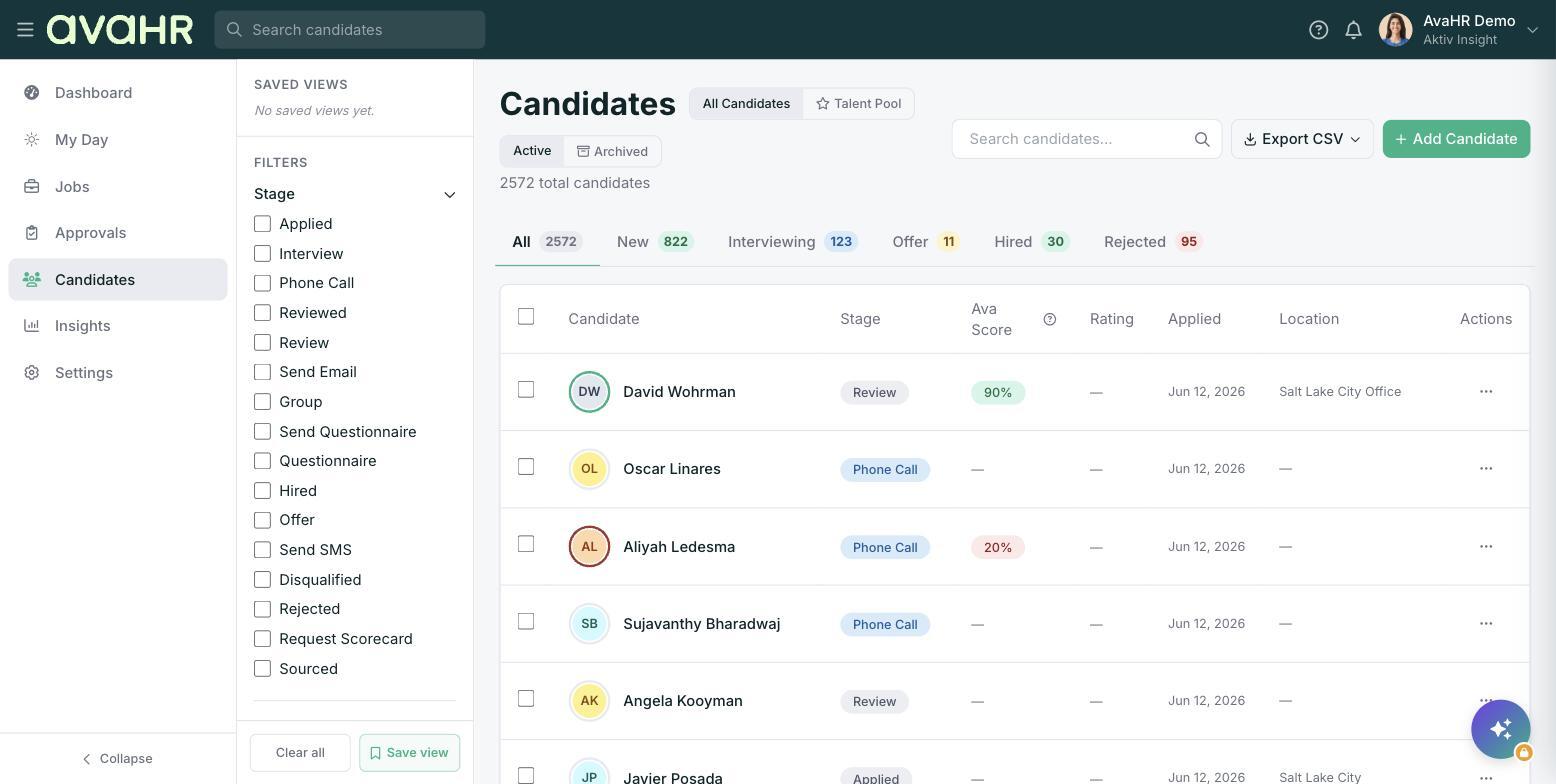
A Saved View stores a combination of filters, including:
- Stage
- Source
- Location
- Status
Save a view
- Go to the Candidates page.
- In the left sidebar, use the Filters section to set the stage, source, location, and status you want.
- In the Saved Views section, click Save view.
Your combination is stored under Saved Views in the left sidebar.
Return to a saved view
Open the Candidates page and click your view under Saved Views. Your filters are applied instantly, so you are looking at the same list you set up before.
Tip
Save a view for each way you like to work, for example one for new applicants at a single location, and another for everyone currently interviewing. Switching between them is a single click.