
Ava Assistant is your built-in AI helper. Instead of clicking through every screen, you can just tell Ava what you need and get it done. Ava can post a job for you and answer your questions, and you can reach it by chat, voice, or SMS. It is a friendly way to move faster, especially when you are hiring without a recruiting team.
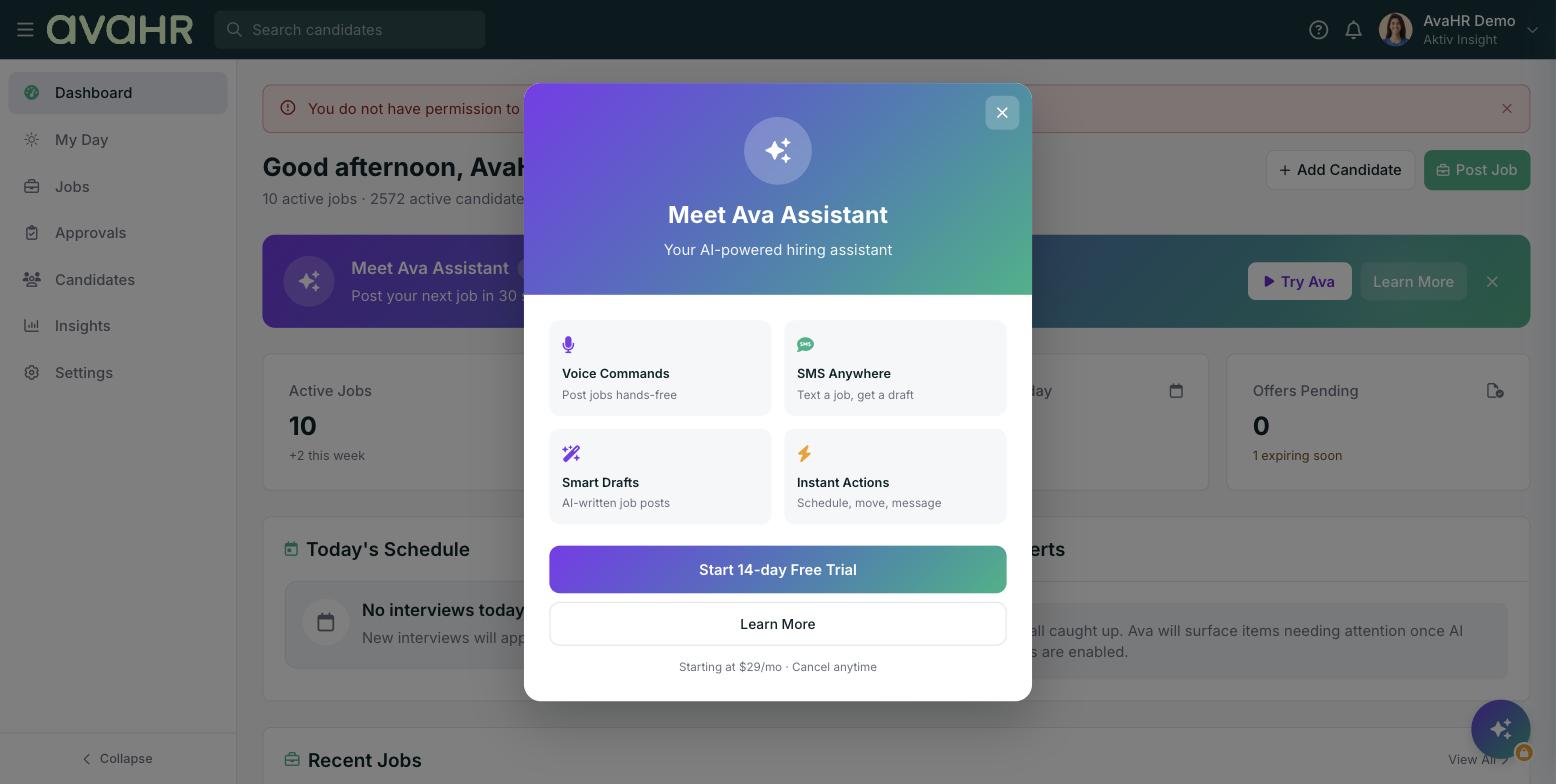
What Ava Assistant can do
- Post a job fast. Tell Ava what you need and it helps you get a job posted, in about 30 seconds.
- Answer your questions. Ask Ava how something works or what to do next.
- Work the way you like. Reach Ava by chat, by voice, or by text.
How to open Ava Assistant
- From the Dashboard, look for the Meet Ava Assistant banner and click Try Ava.
- Or click the sparkle button in the bottom right corner of the app.
- Or open Settings and choose Ava Assistant at the top of the menu.
Other Ava features around the app
Ava shows up in a few other places to speed up your work:
- Quick Create with Ava. A fast way to post a job, available from the Jobs page.
- Have Ava write it. Let Ava draft your job description while you are creating a job in Quick mode.
Good to know
Ava Assistant is new, so we are adding to it over time. Think of it as a helping hand for the common tasks, not a replacement for the screens you already know. You can always keep working the manual way whenever you prefer.