
Promoting your open role on social media, in a newsletter, or anywhere your audience spends time is a great way to bring in more candidates.
Share your job
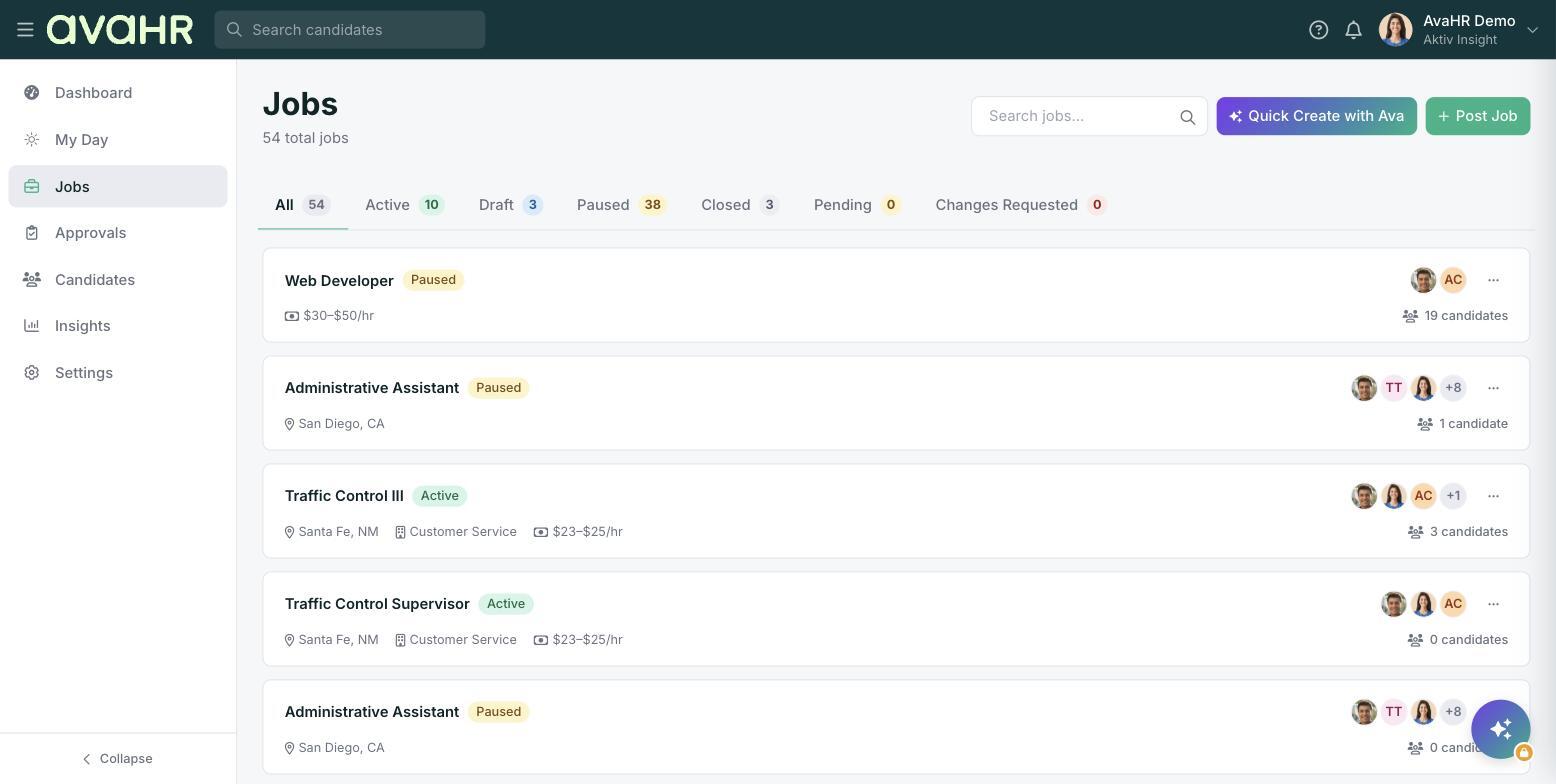
The simplest way to promote a job is the share link. On the Jobs list, open a job's three-dot menu and click Share Job to copy the public application link to your clipboard. Paste it into a post, an email, or a text. View Live Job Posting opens the public page if you want to see what applicants see.
Add an image
Pair the link with an eye-catching image to help your post stand out. Post it wherever you like, and every click sends candidates to your live job where they can apply in one step. Applicants land right in your AvaHR account.