
Sometimes you want to share a role directly, on social media, in a text, or in an email to someone you have in mind, instead of relying on the job boards. AvaHR gives you a public link for every job you can copy and paste anywhere.
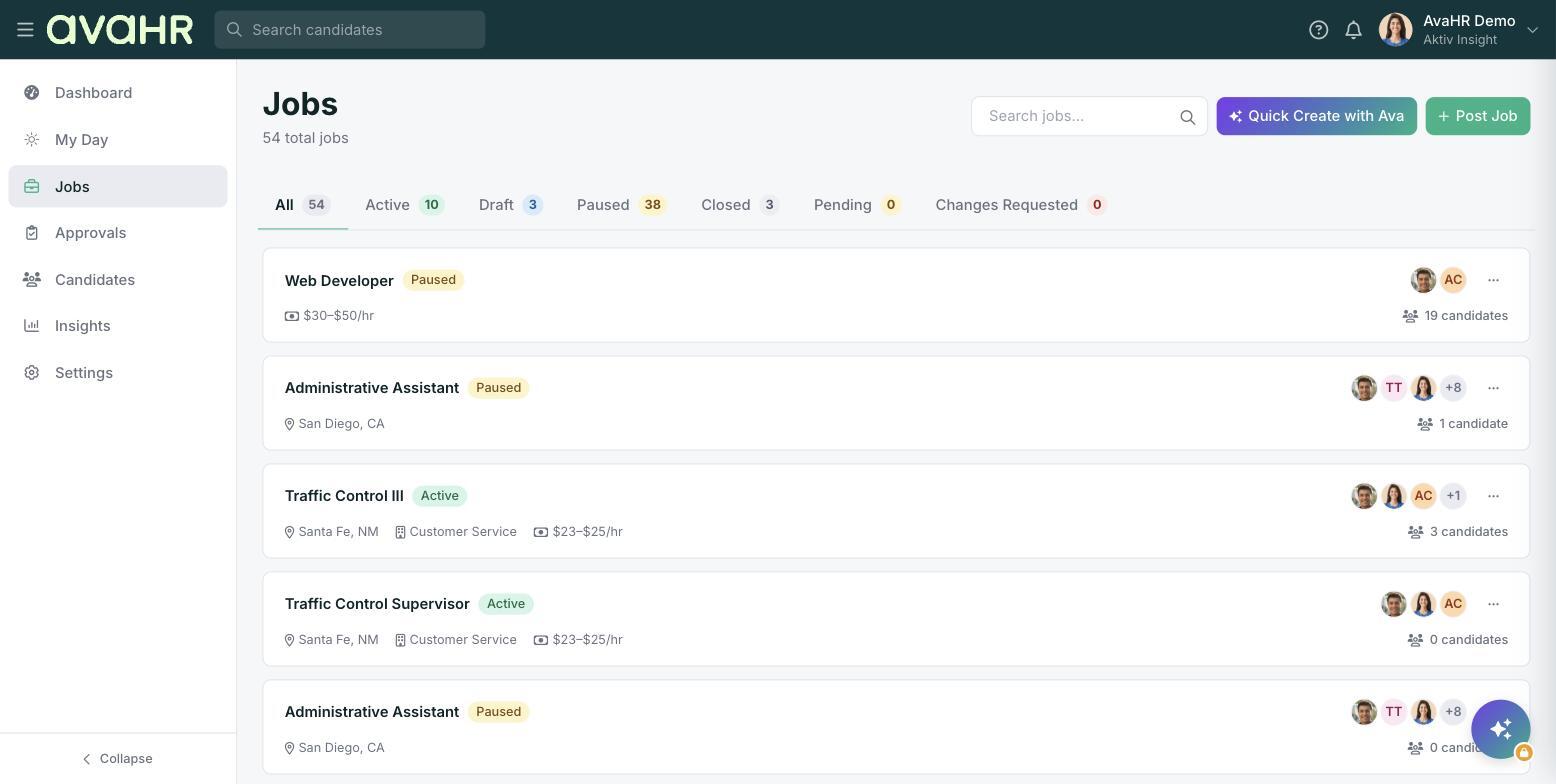
Copy a job's link
- In the left sidebar, click Jobs.
- Find the job you want to share and open its three-dot menu on the right.
- Click Share Job. The public application link is copied to your clipboard.
- Paste it wherever you like: a post, a message, or an email.
Preview the public posting
Want to see what applicants will see before you share? From the same three-dot menu, click View Live Job Posting to open the public page.
Tips
- Only Published and Unlisted jobs are reachable by link. If a link is not working, check the job's visibility on Step 1: Job basics.
- Sharing an Unlisted job's link is a simple way to reach a few specific people without listing the role publicly.