
Gusto is a modern online people platform that helps small businesses take care of their teams. It handles payroll, benefits, and compliance, so managing your team feels a lot simpler no matter how complex the situation.
When you connect Gusto with AvaHR, you can push your new hires into Gusto onboarding without re-entering their details.
How to connect your Gusto account
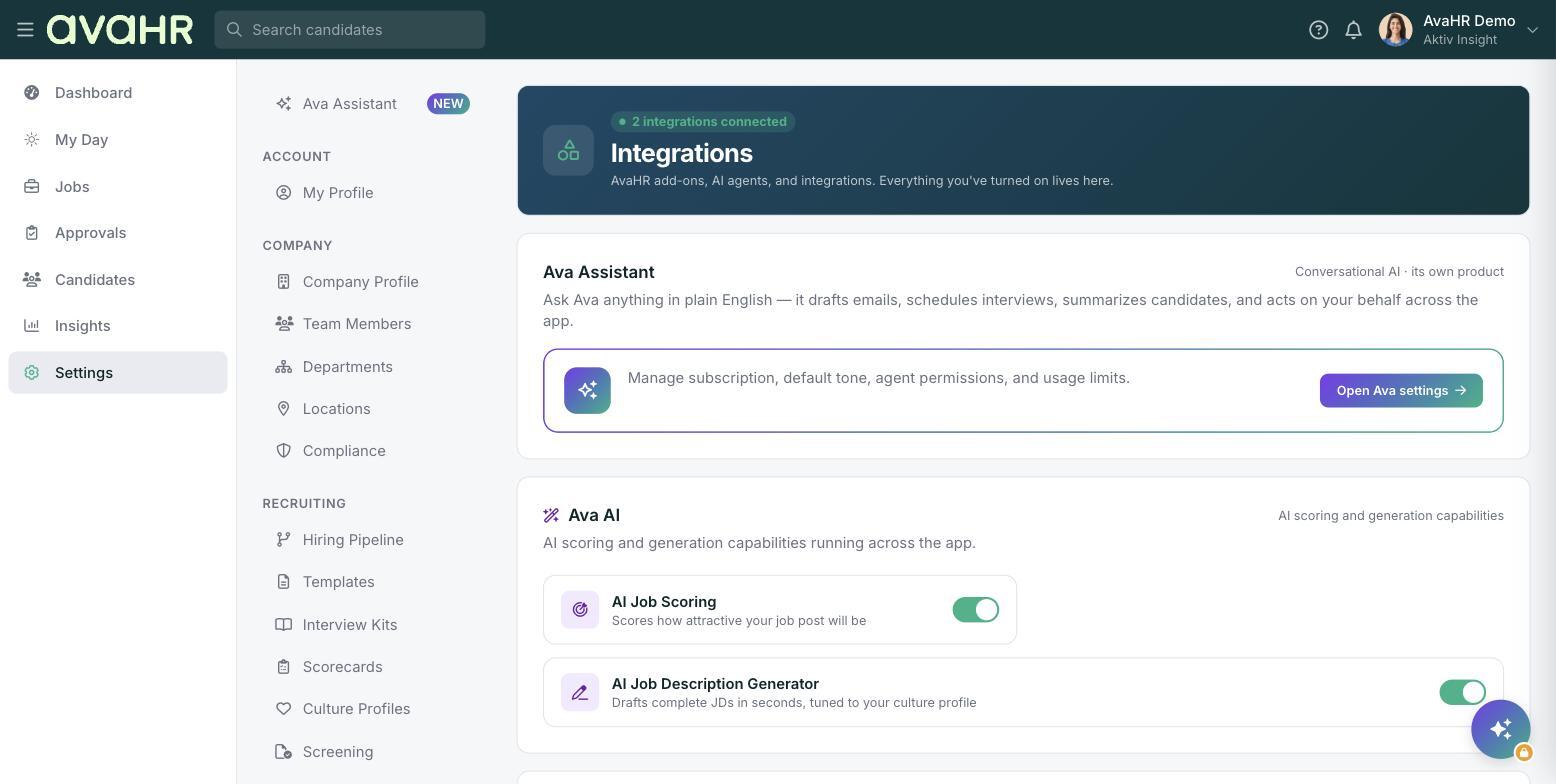
- Go to Settings and select Integrations.
- Select the Gusto integration.
- Select Connect your Gusto Account.
- Log in with your Gusto credentials to authorize AvaHR to access your account.
- Authorize access.
When authorization is finished, you are redirected back to the Integrations screen, which now shows your Gusto account connected. You are ready to start sending new hires into Gusto.
How to send a new hire to Gusto
Open the candidate you want to send, then open the ... actions menu on their profile. Select Send to Gusto to push them into Gusto onboarding. This option appears once the Gusto integration is connected.