
Finding the right talent takes more than posting a listing. It is about reaching the right audience, understanding how they interact with your jobs, and refining your approach for better results. The Facebook Pixel helps with all of that. When you connect it with AvaHR, you get useful insight into candidate behavior, more relevant ad delivery, and a recruitment strategy you can shape with data.
How the Facebook Pixel can help your hiring
- Retarget and remarket to potential candidates
- Track conversions for job application submissions
- Build lookalike audiences to find similar candidates
- Optimize ad delivery for your job postings
- Track specific actions, such as clicking on a job description
- Run dynamic ads that show relevant job listings
- Use attribution to see which ads drive applications
- Follow candidate behavior across devices
- Gather richer insight about the audience interested in your jobs
- See website analytics tied to your job postings and applications
How to connect the Facebook Pixel
- Go to Settings.
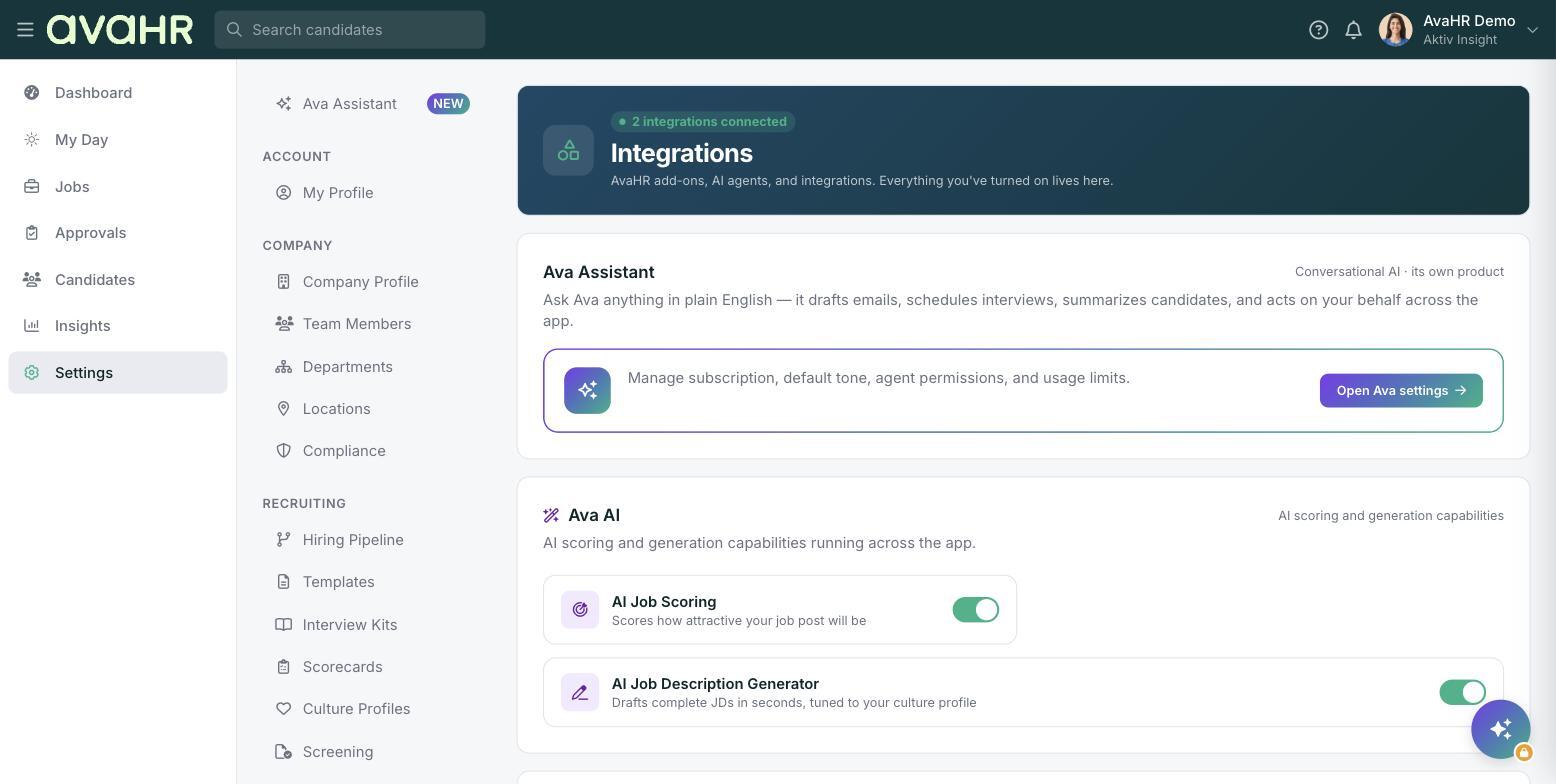
- Select Integrations.
- Select Facebook Pixel.
- Paste your Facebook Pixel snippet and select Submit.
Once you submit, the status changes to Processing. It can take up to 24 business hours for your scripts to be approved.