
An offer template is reusable letter text with placeholders you fill in when you send an offer. Setting one up once means you can send consistent, professional offers in seconds, without rewriting the same letter every time.
Where offer templates live
Offer templates are managed alongside your other templates.
- Go to Settings.
- Under Recruiting, select Templates.
- Find your offer templates on the Templates page, next to your email, SMS, and job description templates.
Create your template
Create a new offer template and give it the letter text you want to reuse. Write it the way you'd want a candidate to read it, covering the details that stay the same from one offer to the next, like your welcome message, expectations, and next steps.
Add placeholders
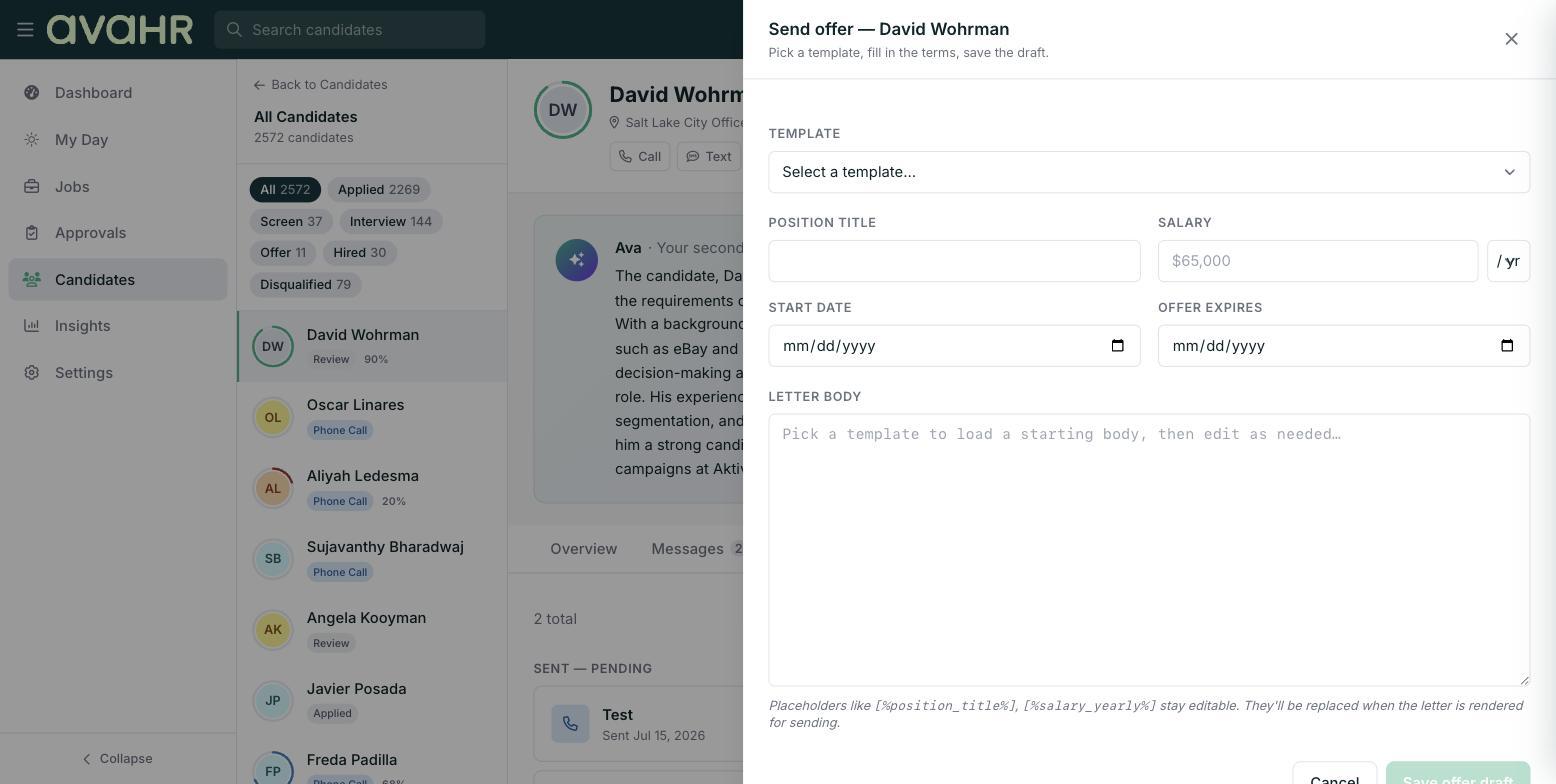
Placeholders are spots in the letter that get filled in when you send the offer, so you don't have to retype the same details each time. For example, a placeholder like [%position_title%] stays in your template and stays editable, so the position title drops into place when you send.
Use placeholders anywhere a detail changes from candidate to candidate, such as the position title, salary, or start date. When you send the offer, you fill in those values and the letter comes together automatically.
Save and reuse
Save your template when it's ready. From then on, it shows up as a choice in the offer slide-over whenever you send an offer from a candidate's profile.
What's next
Once your template is ready, see How to Send an Offer Letter to send it from a candidate's profile and track the offer's status.