
You can show your open jobs right on your own website by embedding them from AvaHR. You copy a small embed snippet and paste it into a page on your site. Your jobs list stays in sync automatically, so new openings appear and filled ones drop off without any extra work.
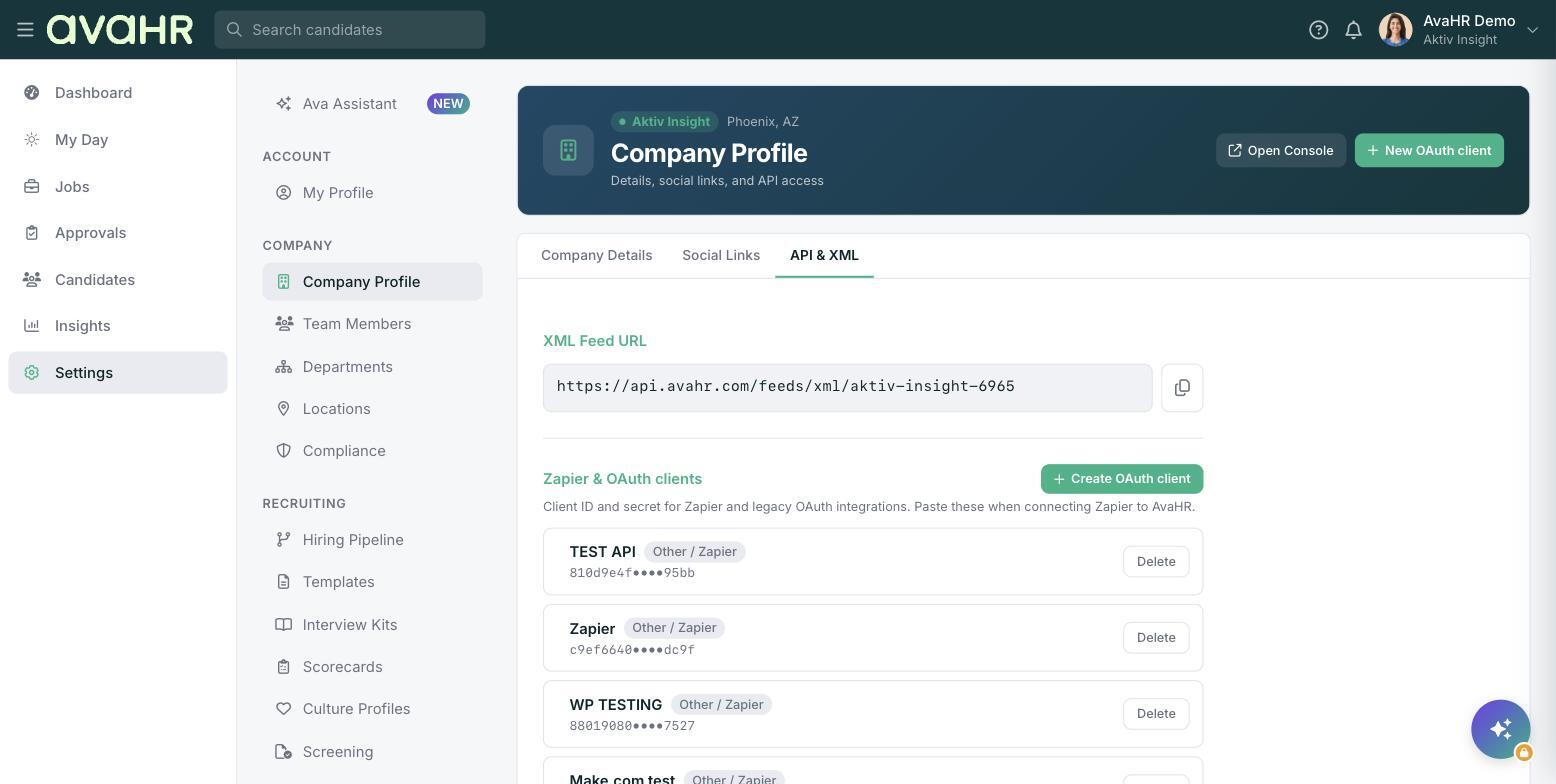
Copy your embed snippet
- In the left sidebar, go to Settings.
- Find the careers embed option and copy the embed snippet provided.
Add it to your website
- Open the page on your site where you want the jobs to appear.
- Paste the embed snippet into that page and save or publish it.
A full careers embed uses your default Culture Profile and lists your open jobs below your culture content. If you already have a careers page, you can instead embed just the job list on the page where you want the openings shown.
Tip: If you are not sure where to paste the snippet on your site, your website administrator or webmaster can add it to the right page for you.