
Need to move a job to a different office or change how it is based? You can update the location right on the job. If the address itself is wrong, you can also fix the saved location record.
Change the location on a job
- In the left sidebar, go to Jobs and open the job you want to change.
- Edit the job and go to Step 1 Job Basics.
- Under Where is this job?, choose how the role is based: On-site, Hybrid, Remote, or On the road.
- For On-site or Hybrid, pick a different Office location.
- Save your changes.
Fix the location record
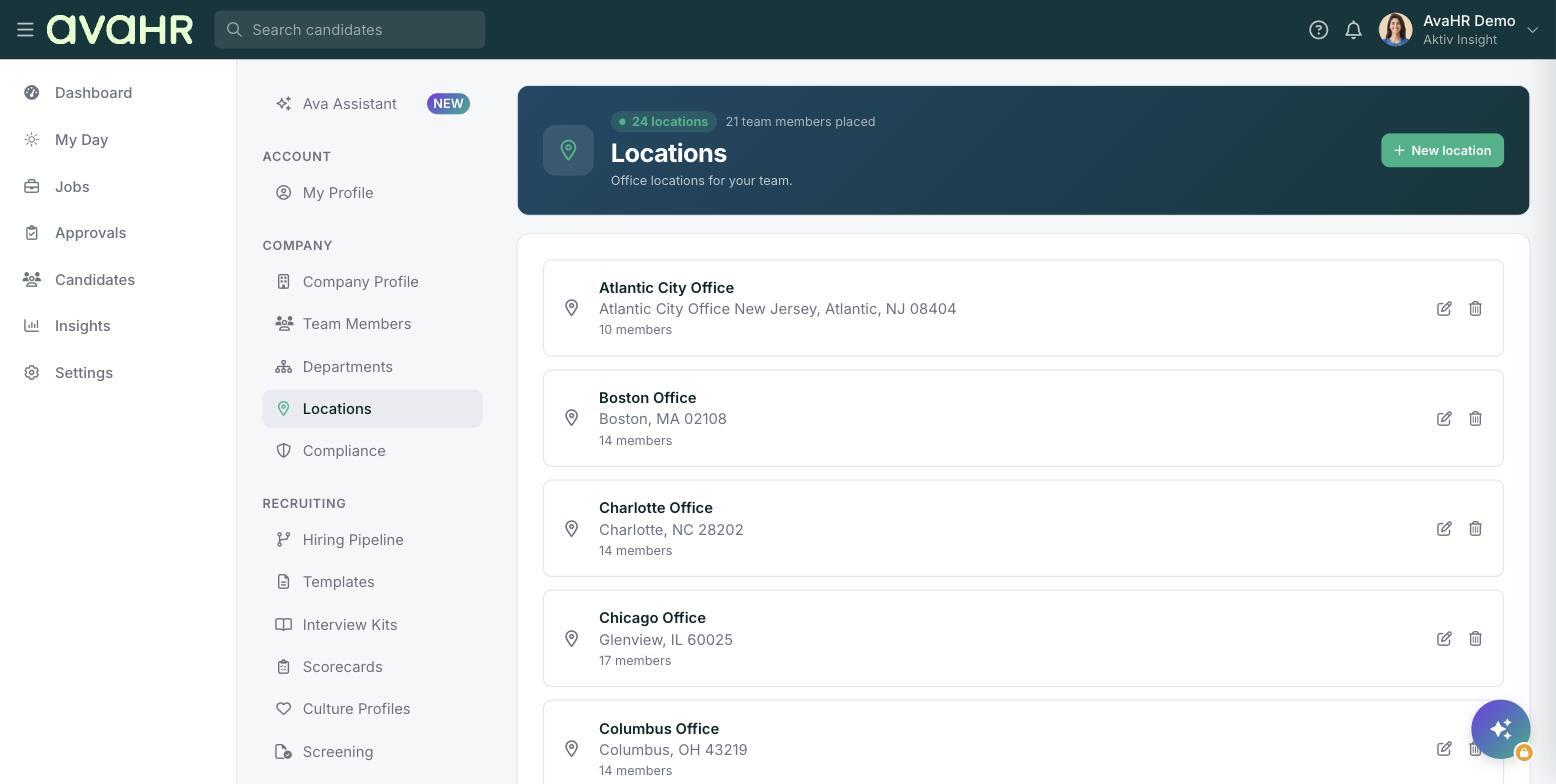
If the address or name of a location is wrong, update it once in Settings > Locations using the edit control. The change applies wherever that location is used.
Tip: If a location you need is not in the list, add it first in Settings > Locations, then come back and select it on the job.