
This guide helps you connect your BambooHR account with AvaHR so data can sync between the two platforms. Integrating BambooHR with AvaHR helps you streamline your recruitment and employee management.
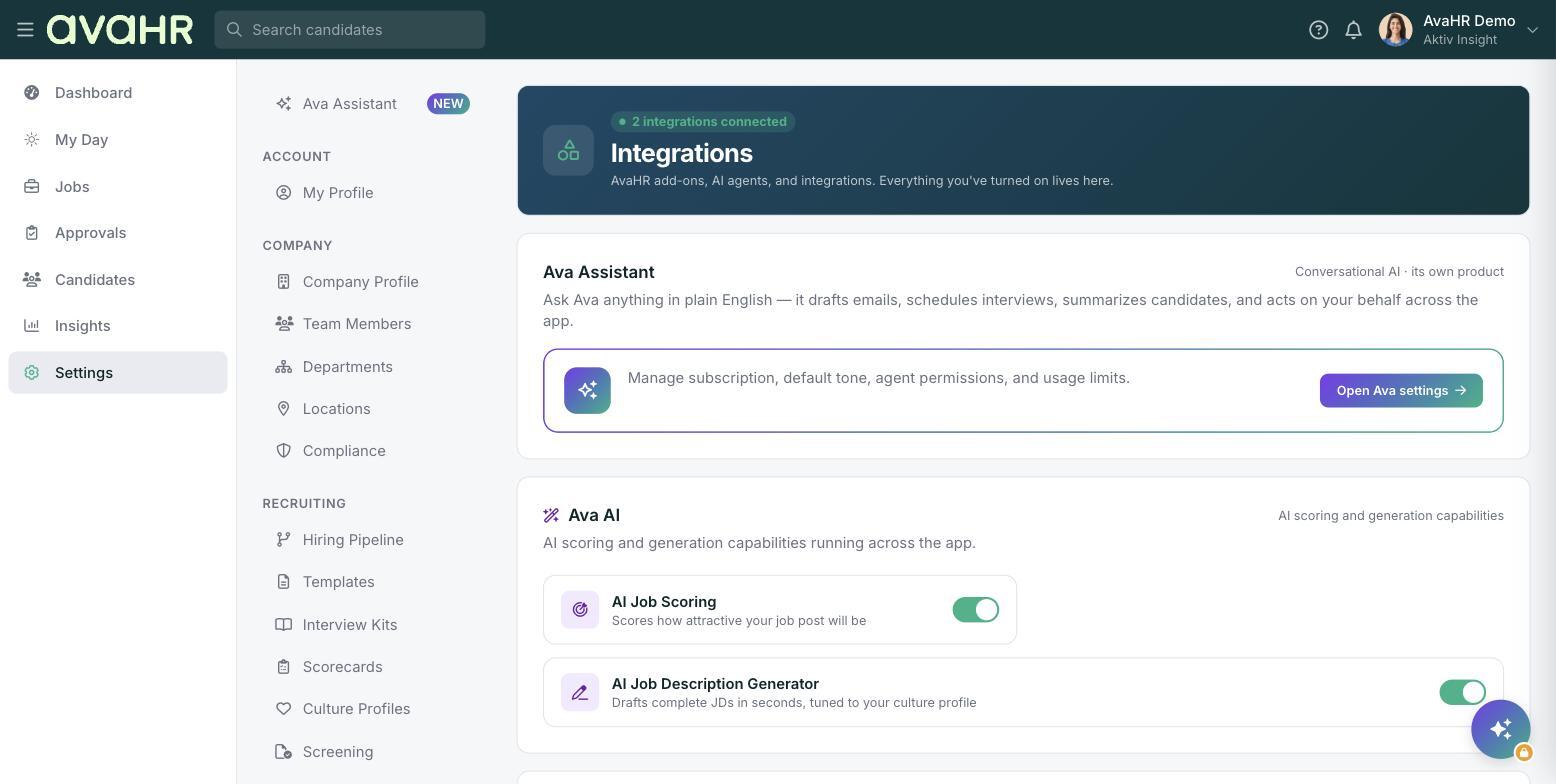
The setup has two parts. First you create an API key in BambooHR, then you enter that key and your subdomain in AvaHR.
In BambooHR: create an API key
- Go to BambooHR and log in with your credentials.
- Select your initials or profile image in the top right corner.
- In the dropdown, select API Keys under App Integrations.
- In the My API Keys section, select Add New Key.
- Give the key a name you will recognize, such as AvaHR Integration.
- Copy the API key so you can paste it into AvaHR.
Find your BambooHR subdomain
Your BambooHR URL follows this format: https://yourcompany.bamboohr.com/. Your subdomain is the part before .bamboohr.com. For example, if your URL is https://avahr.bamboohr.com/, then your subdomain is avahr.
In AvaHR: add your subdomain and API key
- Go to AvaHR and log in.
- Go to Settings in the left sidebar, then select Integrations.
- Find the BambooHR integration.
- Enter your BambooHR subdomain (without .bamboohr.com).
- Paste the API key you copied from BambooHR into the API Key field.
- Select Submit.
Confirm the integration
Once you submit your subdomain and API key, AvaHR verifies the details. When the connection is complete, your settings page shows a confirmation with your API key and subdomain on file. If you ever need to disconnect, select Delete this integration.