
Approvals is where job postings wait for a sign-off before they go live. If a teammate does not have approval rights, their job comes to you here so you can review it and either approve it or send it back. Open it from Approvals in the left sidebar.
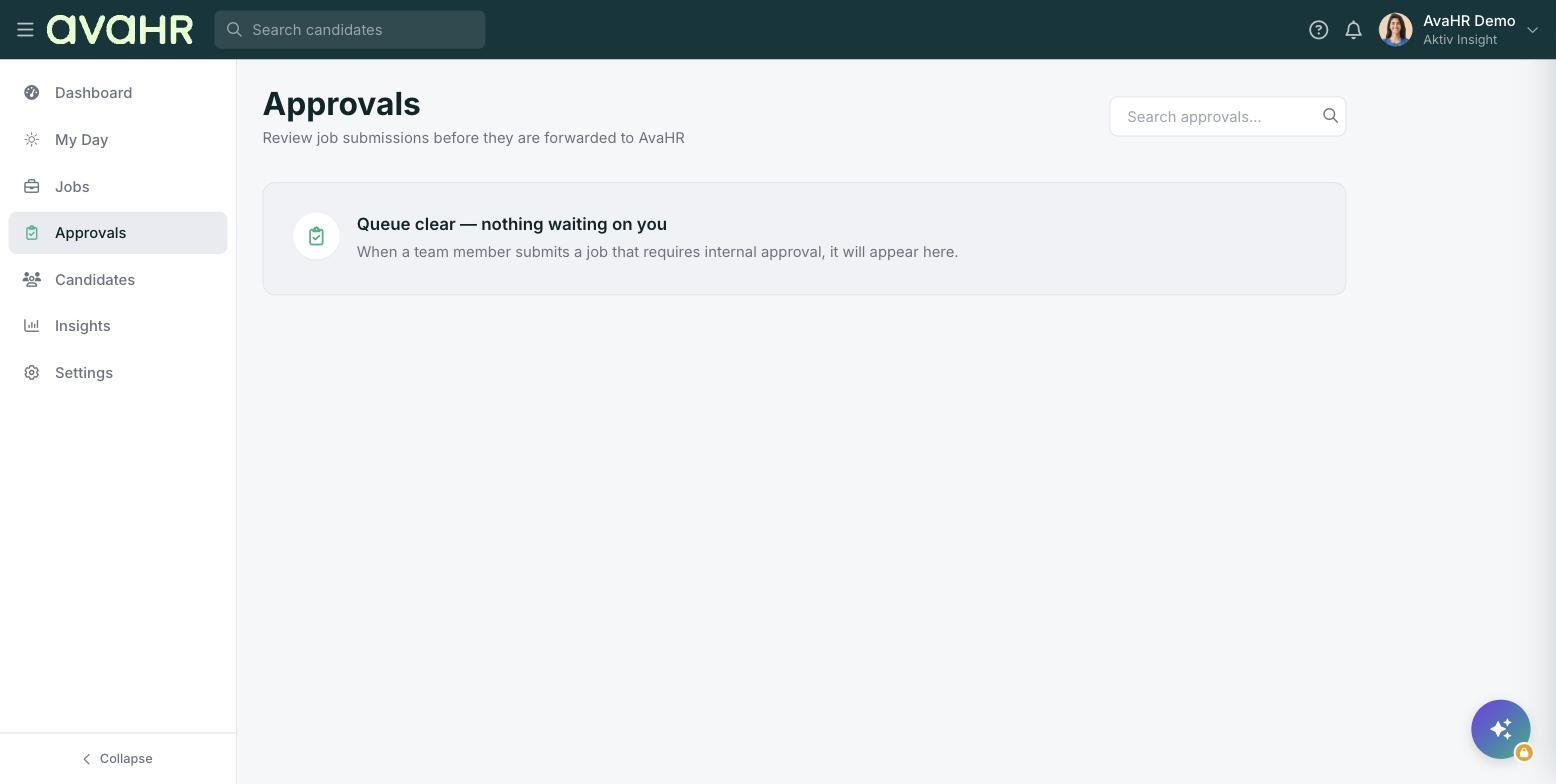
The page is described as "Review job submissions before they are forwarded to AvaHR."
What lands in the queue
When a team member without approval rights finishes a job and clicks Submit for Approval, that job appears in the Approvals queue. Use the Search approvals box to find a specific submission when the list grows.
Approve or send back
- Open the job from the Approvals queue and review the details.
- If everything looks good, approve it so it can move forward and be posted.
- If it needs work, send it back as Changes Requested. The job then shows a Changes Requested status on the Jobs list so your teammate knows to fix it.
The empty state
When nothing is waiting, you will see a clear message: "Queue clear, nothing waiting on you. When a team member submits a job that requires internal approval, it will appear here." That means you are all caught up.
Tip
When you send a job back with Changes Requested, it does not disappear. Your teammate can update it and resubmit, and it will return to your Approvals queue for another look.