
When applications are pouring in, bulk actions let you handle many candidates in one move instead of opening each profile. You can move stages, send one email to a group, tag people, export to CSV, add a note, add candidates to a job, or disqualify and delete.
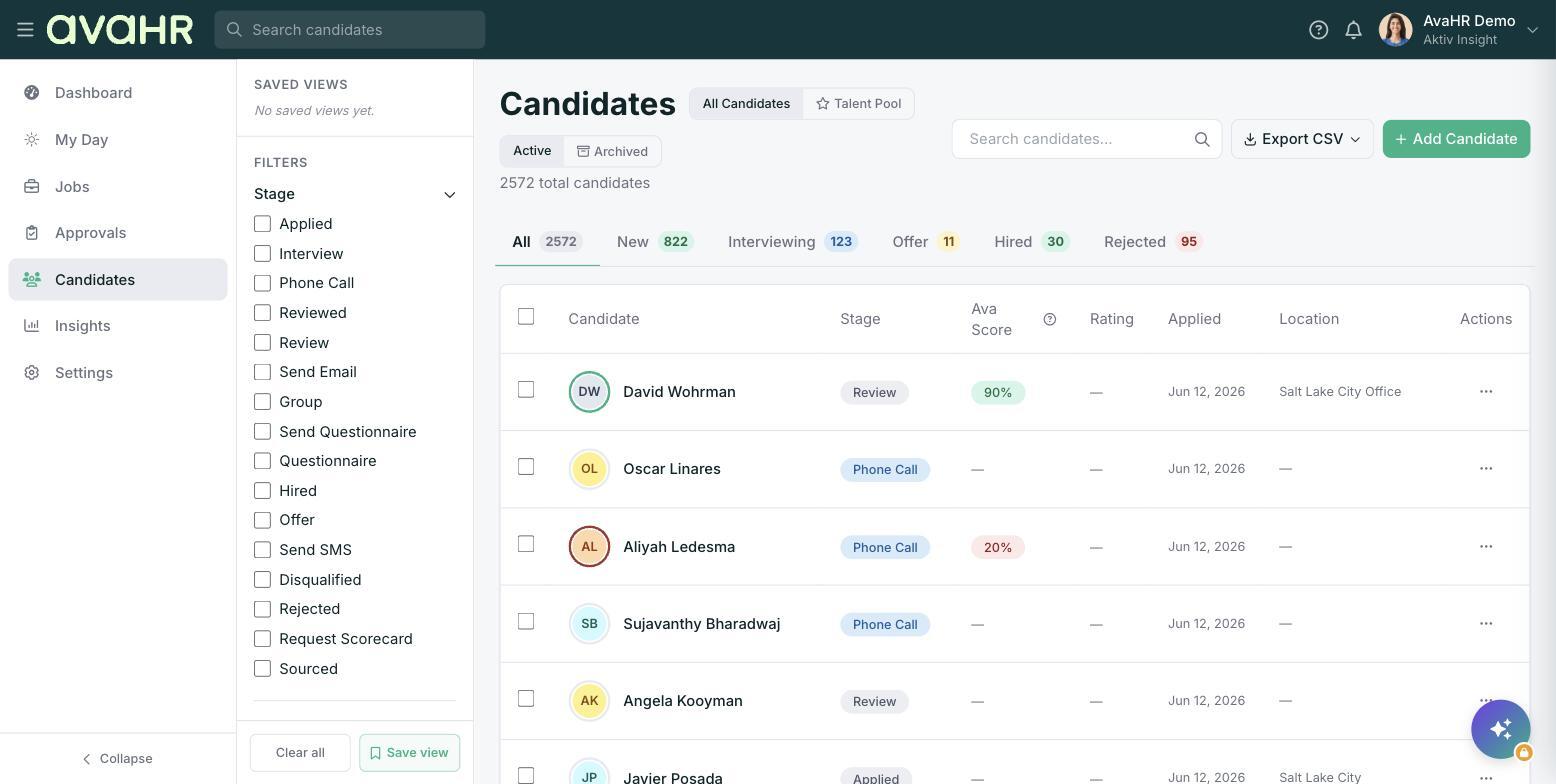
How to run a bulk action
- Go to Candidates in the left sidebar.
- Check the box to the left of each candidate you want to include.
- A toolbar appears at the bottom of the screen showing "N selected".
- Pick the action you want from that toolbar.
What each action does
- Move stage: Send everyone selected to Applied, Screen, Interview, Offer, Hired, or Disqualified.
- Email: Send one message to all selected candidates. Anyone without an email on file is skipped.
- Tag: Add a tag to the whole selection so you can find them again later.
- Export: Download the selected candidates to a CSV file.
- More: Opens Add Note, Add to a job, Disqualify, and Delete.
Disqualifying in bulk and the reason dialog
When you Disqualify (or reject) candidates, AvaHR opens a "Reason" dialog. Choose one of the reasons, such as "Did not meet minimum qualifications", "Better qualified candidate selected", "Position no longer available", "Candidate withdrew", "Did not respond", "Salary expectations", or "Other". A reason is required for EEOC reporting, so keeping it accurate protects your business.
Tip: Use "Export" on a filtered or hand-picked selection when you need a quick spreadsheet for a hiring manager who does not log in to AvaHR.