
Each job has a hiring team, the people who can see and collaborate on that job's candidates. On the Jobs list you can spot a job's hiring team by the avatars shown on its row.
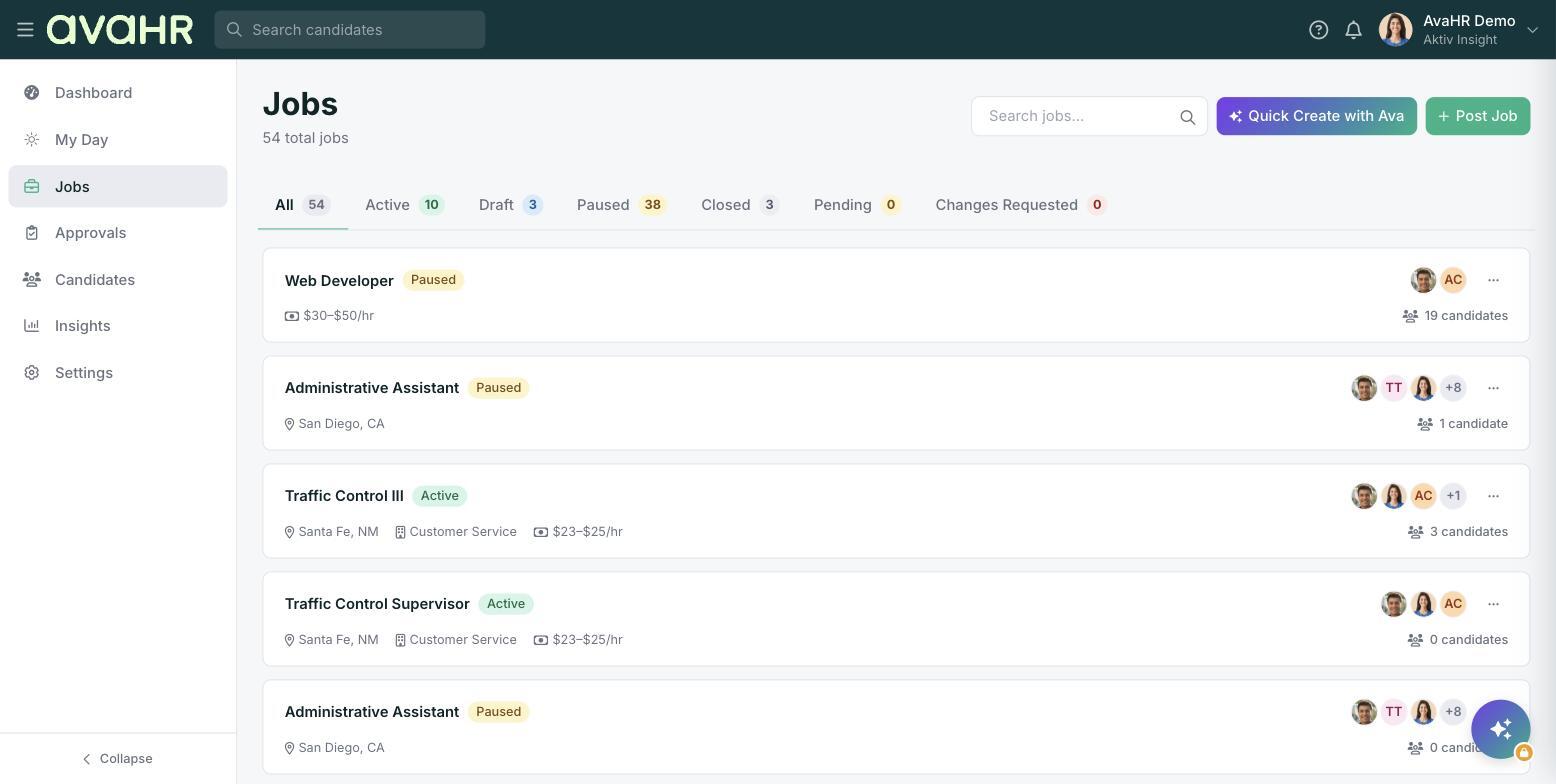
Add a teammate to a job
You set a job's hiring team when you create or edit the job. Open the job for editing and add the team members you want, then save. Once someone is on the hiring team, they can review, message, and move that job's candidates.
Team access is also governed by roles
What a person can do across AvaHR depends on their role. Manage people and roles under Settings > Team Members ("Manage who has access to your recruiting workspace"). Click Invite user to add someone new, then assign their role from the per-user Role dropdown. The account creator is the Owner.
So adding a teammate to a job gives them access to that job, and their role sets what they can do everywhere else.